How Good Is Cloud Storage for Professional Work in 2026
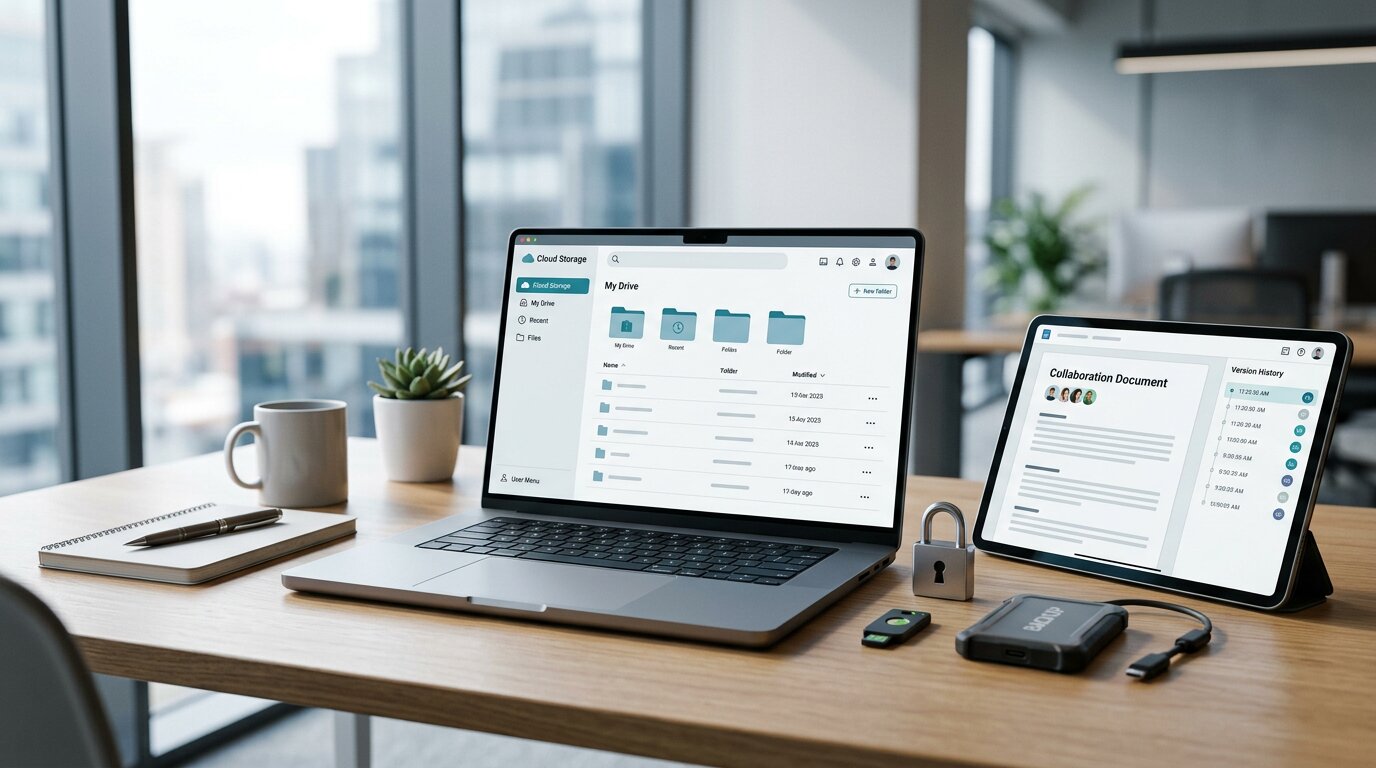
In 2026, you rely on cloud storage for far more than just backing up files, it’s now central to how you collaborate, secure data, and scale your work without thinking about servers or hardware. You gain real-time editing, strong encryption, and smart AI tools that quietly handle the busywork. Yet, there are trade-offs in cost, privacy, and control that you can’t ignore, and that’s where your choices start to matter.
How Cloud Storage Fits Professional Workflows in 2026
As professional workflows evolve in 2026, cloud storage plays a central role in how work is created, shared, and protected. Many organizations now operate in hybrid environments that combine on-premises infrastructure with public cloud services, and cloud storage is used to move files between these environments with minimal disruption to ongoing projects.
Workers frequently co-author documents in real time through platforms such as Google Drive and Microsoft OneDrive, regardless of physical location. Services like Sync.com and Proton Drive offer end-to-end encryption, which is designed so that only authorized users can access the contents of stored data, reducing the risk of unauthorized access by service providers or third parties.
Specialized industries are also adopting more tailored storage strategies. For example, cloud storage for photographers has become increasingly important as high-resolution RAW files, 4K video, and large editing libraries demand scalable storage and reliable backup systems. Photographers often need fast synchronization across multiple devices, secure client sharing options, and version recovery tools that protect valuable creative work from accidental deletion or corruption. Cloud-based workflows also make it easier for creative teams to collaborate remotely while maintaining organized archives of large media collections.
Features such as OneDrive’s Files On-Demand allow users to view and manage their entire cloud library directly in File Explorer while limiting local disk usage by downloading files only when needed. Similarly, Box provides integration with a wide range of business applications, over 1,500 according to the provider, so that users can access and manage stored content within tools they already use for communication, project management, and other core business functions.
Core Benefits of Cloud Storage for Professionals
Cloud storage provides a flexible, consistently available infrastructure for managing professional files for both individuals and distributed teams. Users can access, edit, and synchronize documents from any internet‑connected device, reducing dependence on specific hardware or physical locations.
Collaboration features in services such as Google Drive and OneDrive enable multiple users to work on the same document simultaneously, add comments, and track changes in real time. Security measures typically include encryption in transit and at rest, access controls, and compliance with regulations such as GDPR and, in some cases, HIPAA, which is relevant for organizations handling protected health information. Automatic versioning and regular backups help protect against accidental deletions, file corruption, and certain types of malware, including ransomware, by allowing restoration of earlier file states.
Cloud storage plans are generally scalable, allowing organizations to adjust capacity as their data needs change. Integrations with platforms like Microsoft 365, Salesforce, and other business applications can centralize file management and reduce the need for separate storage systems, which may lower administrative effort and IT maintenance costs.
Where Cloud Storage Still Falls Short
While cloud storage delivers significant benefits, it also presents notable gaps that can affect security and compliance. Many organizations lack full visibility into where sensitive or vulnerable data resides; for example, 80% report difficulty locating exposed files. In addition, only 47% have implemented immutable storage, leaving backups potentially susceptible to ransomware modification or deletion.
Unstructured data is a persistent challenge. An estimated 68% of organizations secure less than 80% of the unstructured data stored in their cloud repositories, creating a substantial attack surface. The widespread use of hybrid and multi-cloud architectures, adopted by roughly 69% of firms, can further complicate centralized governance, increase configuration complexity, and elevate regulatory exposure if policies aren't applied consistently across environments.
Data residency and sovereignty requirements also influence architecture decisions. Regulatory or contractual constraints may necessitate keeping certain workloads and datasets on-premises, which can restrict the ability to fully leverage cloud scalability and standardize controls across all data locations.
How Secure and Private Is Cloud Storage Now?
Cloud storage introduces potential blind spots and governance gaps, but its security and privacy controls have become more mature in recent years.
End-to-end encryption and zero-knowledge architectures are increasingly standard in professional-grade offerings, and providers such as Sync.com and Proton Drive demonstrate that services can operate without direct access to user file contents.
However, visibility and data governance remain significant challenges.
A large share of organizations report difficulty identifying vulnerable data sources in the cloud, which complicates risk management and incident response.
Adoption of stronger protections, such as immutable storage that prevents data from being altered or deleted over a set period, is still limited, leaving some environments more exposed to threats like ransomware.
Regulatory frameworks and certifications, including GDPR and HIPAA, offer useful benchmarks for evaluating providers, but compliance labels alone aren't sufficient.
Organizations need to assess how specific controls—such as encryption key management, access logging, data residency options, and backup policies—align with their own risk profile, legal obligations, and operational requirements.
Collaboration and File Sharing in Cloud Storage
Modern cloud storage platforms support collaborative work by enabling real-time editing, shared access, and centralized file management. Instead of distributing multiple file versions by email, users typically work from a single, shared document and rely on built-in version history to track changes or restore earlier copies.
Dropbox Business allows users to share large files (up to 250 GB in many plans) and integrates with tools such as Microsoft Office, Google Workspace (including Google Docs), and Slack. These integrations help users open, edit, and discuss files within the applications they already use.
Box emphasizes extensive third-party integrations (over 1,500) and detailed access controls. It offers features designed to support regulatory and security requirements, including configurations that can assist with HIPAA compliance when used appropriately and in conjunction with a Business Associate Agreement.
Microsoft OneDrive for Business offers real-time co-authoring in Word, Excel, and PowerPoint through Microsoft 365. Entry-level plans (around $5 per user per month at typical commercial pricing, though exact pricing varies by region and plan) provide shared storage and collaboration capabilities integrated with the wider Microsoft ecosystem.
Egnyte provides a hybrid model that combines cloud and on-premises access, allowing organizations to manage files across different environments. It includes granular permission settings and policy-based controls, including AI-assisted governance features, to help manage data access and support bring-your-own-device (BYOD) collaboration.
Managing Multiple Cloud Storage Accounts Without Chaos
As teams adopt multiple services for collaboration—editing in Google Docs, sharing through Dropbox, and storing archives in OneDrive or pCloud—work can become fragmented across different accounts and platforms. A central management layer can reduce this fragmentation by consolidating access and control.
All Cloud Hub connects to Google Drive, OneDrive, Dropbox, and pCloud using OAuth 2.0 for authorization and TLS 1.3 for encrypted data transfer, which removes the need to share or store account passwords within the tool. Once connected, a unified search interface allows users to locate files across all linked accounts, reducing the time spent switching between services.
Folder synchronization can be configured so that selected directories remain consistent across providers, which helps maintain a coherent structure for shared projects. In addition, server‑to‑server, cloud‑to‑cloud transfers move data directly between services without routing it through user devices. This approach can lower local bandwidth usage and support more reliable organization of files across multiple cloud storage platforms.
Free vs Paid Cloud Storage for Work
Many teams begin with free cloud storage for work and often encounter limits on capacity, administrative control, and security. Free tiers typically offer about 5–15 GB of storage and lack advanced admin tools, detailed audit logs, and formal compliance guarantees. This makes them suitable for personal use, testing, or small, low-risk projects rather than core business workloads.
Paid plans generally address these constraints. For approximately $9.99 per month (depending on provider and region), users can access 2 TB or more of storage, more granular file-sharing options, and integrations with common business tools such as Microsoft 365, Salesforce, and Slack. Security and governance features also tend to improve, with options like stronger encryption, documented HIPAA/GDPR compliance for eligible plans, and role-based access controls. Business-oriented tiers may add single sign-on (SSO), extended version history, remote device wipe, and 24/7 support, which are often important once an organization relies on cloud storage for day-to-day operations and regulatory requirements.
How to Choose the Best Cloud Storage for Your Role
Choosing appropriate cloud storage depends primarily on your role and typical workflows, rather than on generic feature lists.
Project managers handling large media assets may find Dropbox Business suitable, as it supports large file uploads (up to 250 GB on certain plans), offers content search, and provides selective sync to manage local storage use.
Compliance officers often require a mix of on‑premises control and cloud accessibility. Egnyte’s hybrid architecture can support this by allowing sensitive data to remain on local infrastructure while applying consistent access and governance policies in the cloud.
Finance teams working extensively with spreadsheets may benefit from OneDrive for Business, which integrates with Microsoft 365 and supports real‑time co‑authoring in Excel, reducing version conflicts and improving collaboration.
Healthcare administrators typically need platforms that can support HIPAA compliance and offer detailed audit and access controls. Box Enterprise is frequently used in this context because of its compliance features and integrations with healthcare and productivity tools, though organizations should independently verify that their specific configuration meets regulatory requirements.
Developers and security researchers who prioritize data confidentiality may consider services like Internxt, which use end‑to‑end, zero‑knowledge encryption models designed so that the provider can't access stored content. This can be useful for protecting proprietary code and sensitive research data, provided that key management and backup practices are handled carefully by the user.
Is Cloud Storage Ready to Be Your Main Workspace?
Your choice of cloud storage should reflect your role and requirements, but the key question is whether these platforms can serve as your primary workspace rather than only as file repositories. As of 2026, this is generally feasible for many use cases.
Major platforms such as Google Drive, OneDrive, and Dropbox support real‑time collaboration, allowing multiple users to work on the same documents simultaneously and reducing reliance on email-based versioning.
Enterprise-focused services like Box and Egnyte offer more advanced administrative controls, including granular permissions, audit logs, and support for regulatory frameworks such as GDPR and HIPAA, which helps maintain compliance and governance.
With about 69% of organizations adopting hybrid cloud models, it's common to keep highly sensitive workloads on‑premises while using cloud storage for day‑to‑day collaboration.
These services typically provide high availability targets (often around 99.999% uptime), geographic redundancy for resilience, AI‑assisted search to locate files more efficiently, and automated data tiering to balance performance and cost.
Conclusion
Cloud storage is more than a backup now—it’s your workspace. In 2026, you can collaborate in real time, scale effortlessly, and keep data secure without babysitting servers. It’s not perfect, but if you match a provider’s strengths to your role and pay for the right features, you’ll work faster, safer, and from anywhere. Treat cloud storage as a core part of your workflow, and you’ll unlock its full professional value.
|